Invoice
Check the amount: USD 1,140
Open PDF ↗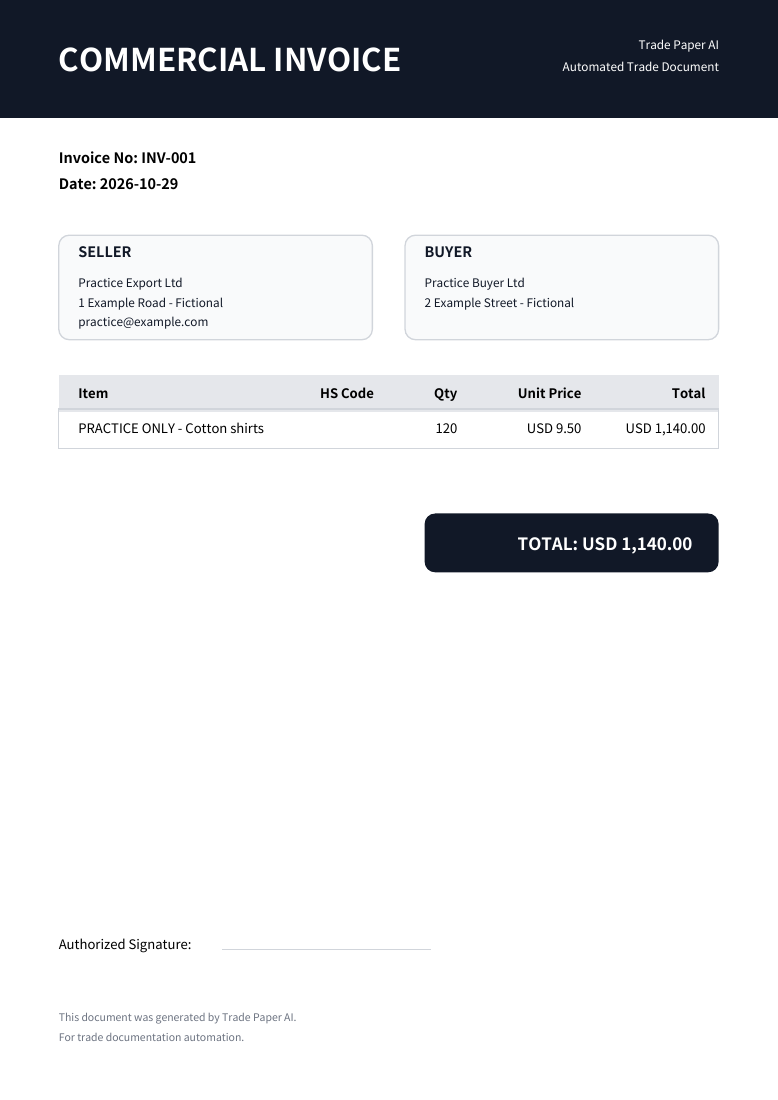
FICTIONAL SHIPMENT · ACTUAL PDF OUTPUT
See the result before retyping. A fictional CSV becomes a reviewed Invoice draft; confirmed packing figures complete the separate Packing List.
Open the two finished documentsA CSV with an item, quantity and unit price. You can open it in Excel too.
Practice Export Ltd → Practice Buyer Ltd · USD
| Item | Quantity | Unit price | Amount |
|---|---|---|---|
| PRACTICE ONLY - Cotton shirts | 120 PCS | 9.50 | 1,140.00 |
Compare extracted values with the original and save the Invoice. Continue to Packing List and enter the packing figures below. The file does not automatically establish actual packing.
Check the amount: USD 1,140
Open PDF ↗Check quantity & packing: 120 pieces · 5 cartons
Open PDF ↗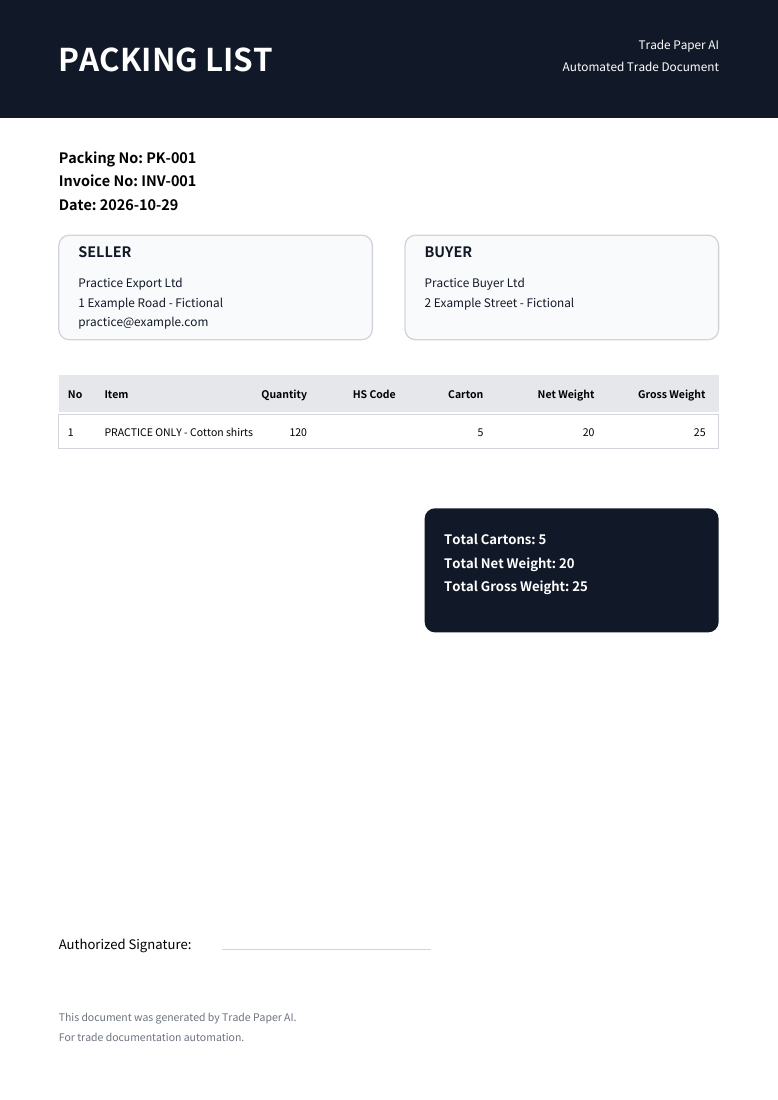
Importing and saving require a free account and sign-in. Confirm company details, then choose your file. Free includes 5 documents/month; each Invoice and Packing List counts separately.
Up to 8 MB · 5 PDF pages · 100 items. Complex layouts and photos may need correction. Check quantities and prices against the source and review actual cartons and weights. Existing PDF downloads never update automatically.These are product outputs using fictional data, not customer results or documents for an actual shipment.